First Hour Guide
Do four things well: finish the account, follow the tutorial, learn your ship and journal screens, and stop after one clean run. That is enough for a first session.
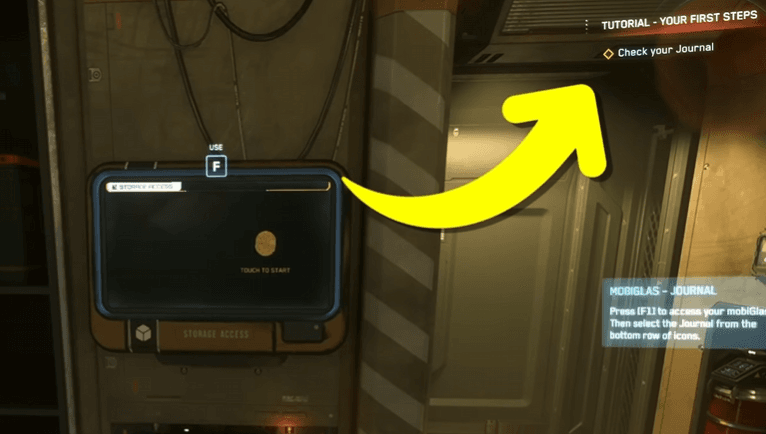
Hero image: the tutorial is there to reduce guesswork. Let it carry the first few minutes.
Your goal
Leave the first session with a working account, a launched client, one flight, and one contract or tutorial objective completed.
The easy mistake
Turning the first hour into settings tuning, ship shopping, or keybind archaeology before you have even left the landing zone.
Best mindset
Treat the first hour like a house tour, not a test. Learn where the doors are and come back later for the deeper systems.
One clean session beats a perfect setup.
New pilots usually do better when they keep the first hour narrow. Sign up the right way, let the tutorial show you the basics, learn the few panels you will touch often, and quit while the game still feels manageable. You do not need to solve Star Citizen on day one. You only need to get one small loop to work.
Ready to enlist?
Start on the official RSI site
This enlist link includes the referral code for new accounts so the official new-player bonus can attach during signup.
Enlist on RSIReferral disclosure: if you create an RSI account using this referral code, you receive the official new-player bonus, and this site owner may receive referral rewards.
The easiest way to waste your first hour in Star Citizen is to make it feel like homework. The better way is to keep the session small: finish the account, let the game teach you the first few steps, and stop after one thing works.
This guide is written for the moment after you have decided to try the game but before you know your way around. It is not a patch note recap. It is the shortest path from signup to a first session that ends with you saying, “Okay, I get the shape of this now.”
1. Start with the account, not the ship
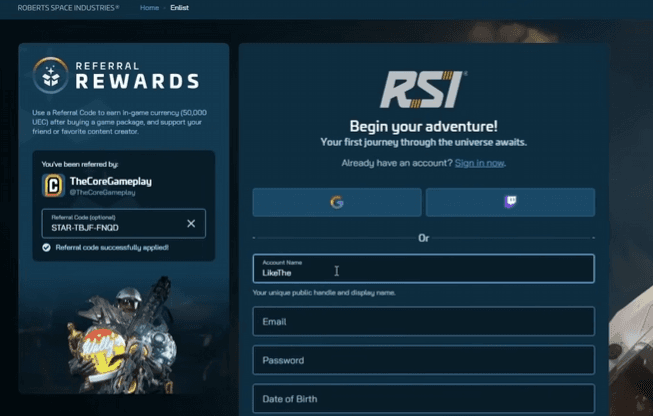
Make the RSI account on the official site first. Pick the referral code before you finish signup, then move on. Do not spend the next hour shopping packages or reading ship lore. That decision can wait.
If you are still undecided about a starter package, that is fine. A beginner-friendly package is enough for the first session. The point of this page is to get you playing, not to turn day one into a shopping cart review.
2. Install once, then leave the installer alone
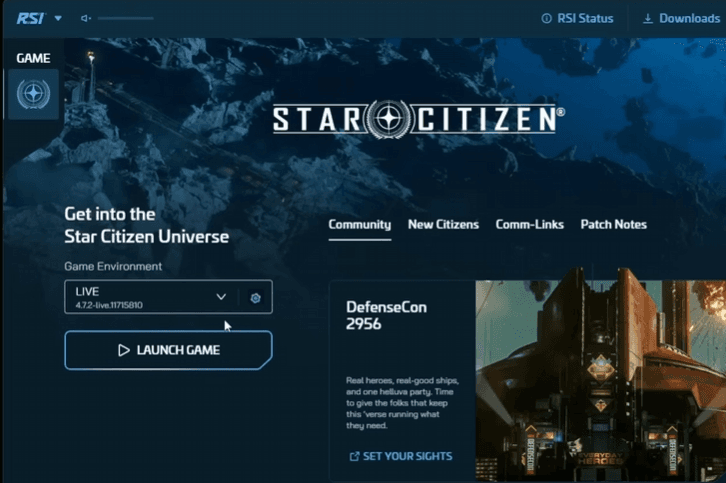
When the launcher is ready, the only job is to get the live client open and stable. If your PC needs help, lower the obvious quality settings later. For the first session, you want a working install and a calm login more than a perfect graphics preset.
The first-hour rule is simple: if a setting does not help you get into the game right now, it is probably not worth your time yet.
3. Let the tutorial be your map
New pilots often try to skip the tutorial because it feels slow. That is usually a mistake. The early prompts are doing useful work: they show you where the important systems live and keep you from wandering in circles.
- Read the objective before you close the panel.
- Open the journal when you are unsure where to go next.
- Use the on-screen prompt before assuming the game is hiding the answer.
You are not proving anything by skipping the help text. You are trying to make the first few minutes less confusing.
4. Learn the three screens you will actually touch
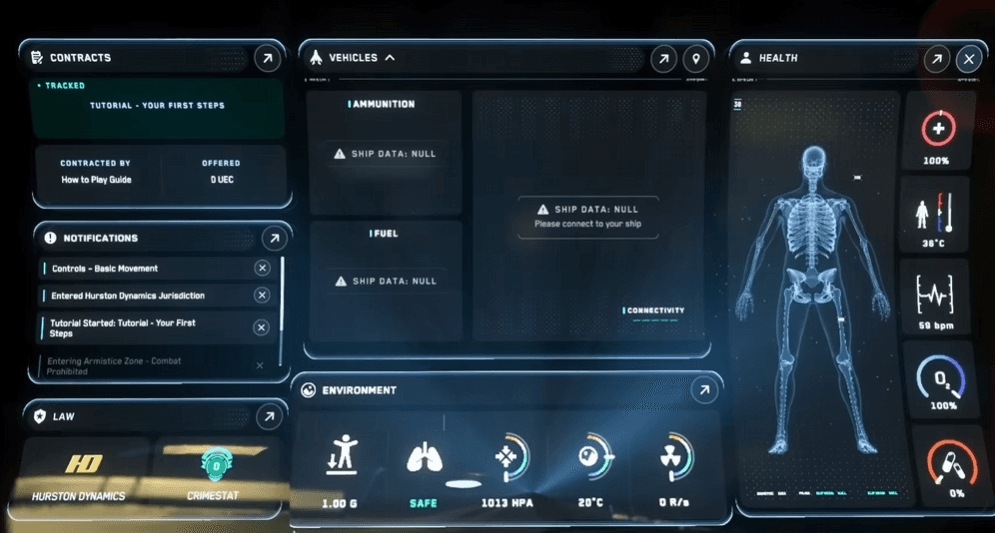
If you learn only three things in the first hour, make them these: your inventory, your contracts, and your health or status screens. Those are the panels that keep you moving when the game stops being obvious.
- Inventory — where your gear lives and where you check what you are carrying.
- Contracts — where you find the first low-pressure jobs and tutorial-style work.
- Status / health — where you check whether you are in good shape to keep going.
That is enough interface knowledge for one session. The deeper menus can wait until you have a reason to open them.
5. Get one flight under your belt
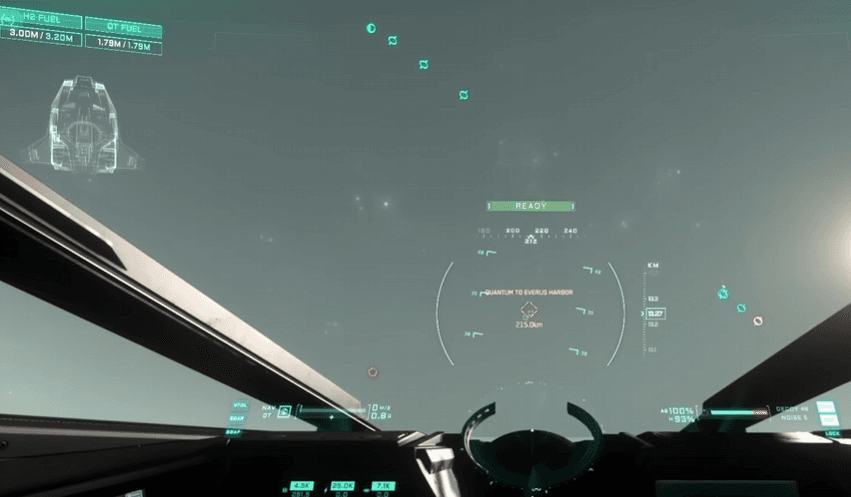
Your first ship run should be boring in a good way. Call the ship, take off, point it at one destination, and get it back down again. That is the win. You do not need to make the first trip dramatic.
If combat appears, treat it as a preview, not an exam. Learn where the ship moves, where the HUD sits, and how quickly the game asks you to react. Then back off and finish the loop you started.
6. Pick one contract, then stop
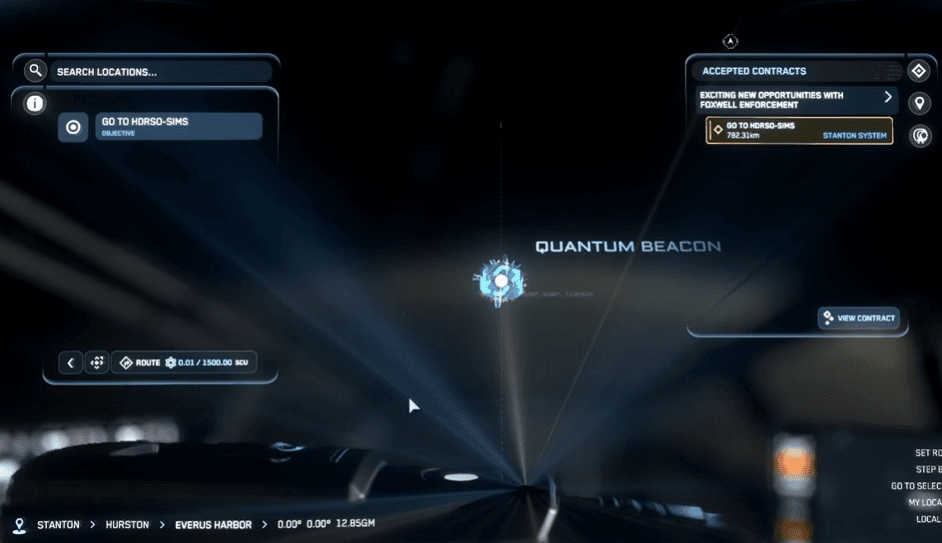
The first paid job should be the easiest thing available. Delivery work or another low-risk contract is usually the right call because it teaches you how the loop works without asking for perfect aim or deep map knowledge.
- Accept one small contract.
- Finish it without stacking a second goal on top.
- Return, cash in, and stop while the loop still feels understandable.
That might not feel ambitious, but it gives you something more useful than a long fail streak: a repeatable path you can try again next time.
7. When it goes wrong, reset instead of spiraling
The first hour is where most confusion happens. You may lose your ship, miss a lift, or get turned around in a city. That is normal. The fix is usually not to start over. It is to slow down, reopen the right panel, and continue from the last clear step.
If you are stuck, ask three questions in order: where am I, what does the tutorial or journal want next, and do I need to claim or re-call my ship? That is usually enough to get unstuck without turning the session into a rescue mission.
What to do after the first hour
Once you finish one clean session, you can start widening the loop. Learn one extra panel, try one different mission type, or decide whether you want a better starter ship. Do those things after the first hour, not before it.
If you are still setting up the account, use the referral code guidefirst. If you are already in and want a calmer next step, the First 10 Hoursguide picks up right where this one stops.
If you are making the account now, do that step first
Use the referral path before signup is complete, then come back for the starter-package and first-10-hours guides once you are in the game.
Go to official RSI siteReferral disclosure: if you create an RSI account using this referral code, you receive the official new-player bonus, and this site owner may receive referral rewards.
What this guide drew from
This is an original Verse Pilot onboarding guide. It uses our existing Star Citizen 4.8 screenshot set as visual support, but the advice, pacing, and framing are our own.
Media credits
- Screenshots are drawn from the site-owned public guide-media set for the Star Citizen 4.8 beginner guide.
- Images are used here for editorial commentary and beginner onboarding context, not as official RSI material.
FAQ